

Description
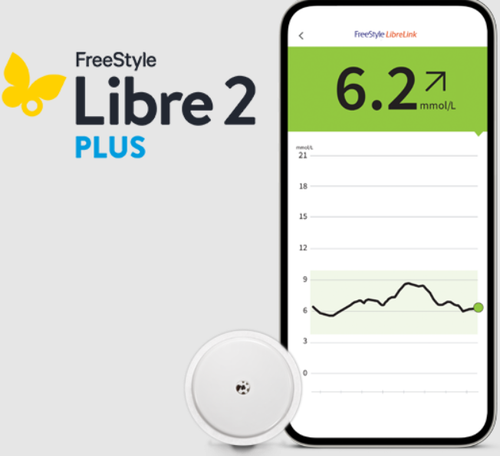
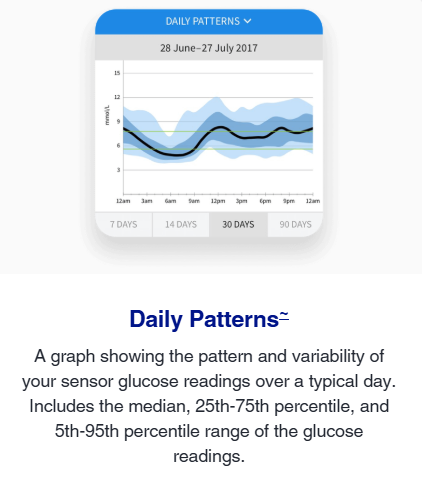
The Freestyle Libre 2 Plus Sensor provides automatic, minute-to-minute glucose readings straight to your smartphone and smartwatch with no finger pricks required. The sensor is easy to apply and comfortable to wear so you can monitor daily patterns, time in range and set up alerts the minute your glucose is too high or too low, even when you're sleeping. Continuous glucose monitoring allows you to act quickly when your sugar levels are out of range, and reduce your long term HbA1c levels.
The Freestyle Libre 2 Plus Sensor works with the current version of the LibreLink app as well as the Libre 2 Reader* When using the app, you can share your readings and alerts with family or friends who have the LibreLinkUp app. You can also share your glucose data with your diabetes care team via the LibreView app.
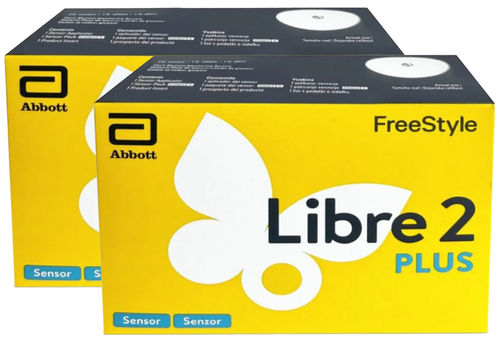
Each sensor lasts for 15 days, so this 2 pack allows continuous glucose monitoring for 30 days. Its is suitable for adults (including pregnant women) and children from 2 years of age - use in children aged 2-12 years must be supervised by a caregiver who is at least 18 years of age. The caregiver is responsible for managing or assisting the child to manage the sensor and compatible device and also for interpreting or assisting the child to interpret the glucose readings.
Libre 2 Plus Sensor User Guide
*If you start your Libre 2 Plus sensor with your Libre 2 reader you will not receive real-time glucose readings, even if you use the updated LibreLink app as your second device. You will need to scan to get your glucose reading on both devices. Glucose alarms are only received on the device used to start the sensor.
Device Compatibility
The LibreLinkUp app is compatible with many popular Android and iOS smartphones.
Recommended operating systems:
- Android: 11.0, 12.0, 13.0, 14.0, 15.0, 16.0
- iOS: 16.0, 17.0, 18.0, 26.0
Please carefully review the following to understand how Operating System (OS) features may impact your ability to receive sensor readings and alarm notifications (if available):
- For iOS users, we do not recommend using the Assistive Access mode or Require Passcode or Require Face ID for your LibreLinkUp app at this time.
- For Android users, we do not recommend installing the app in Private space at this time.
The phone must meet the following requirements:
- Wi-Fi or a mobile data plan
Smartwatch devices that support notification mirroring (when phone is nearby):
- Apple Watch Series 7: WatchOS 8.3
- Fitbit Versa 3: Fitbit OS 5.3(Not available in all markets)
- Samsung Galaxy Watch 4: Wear OS 3

